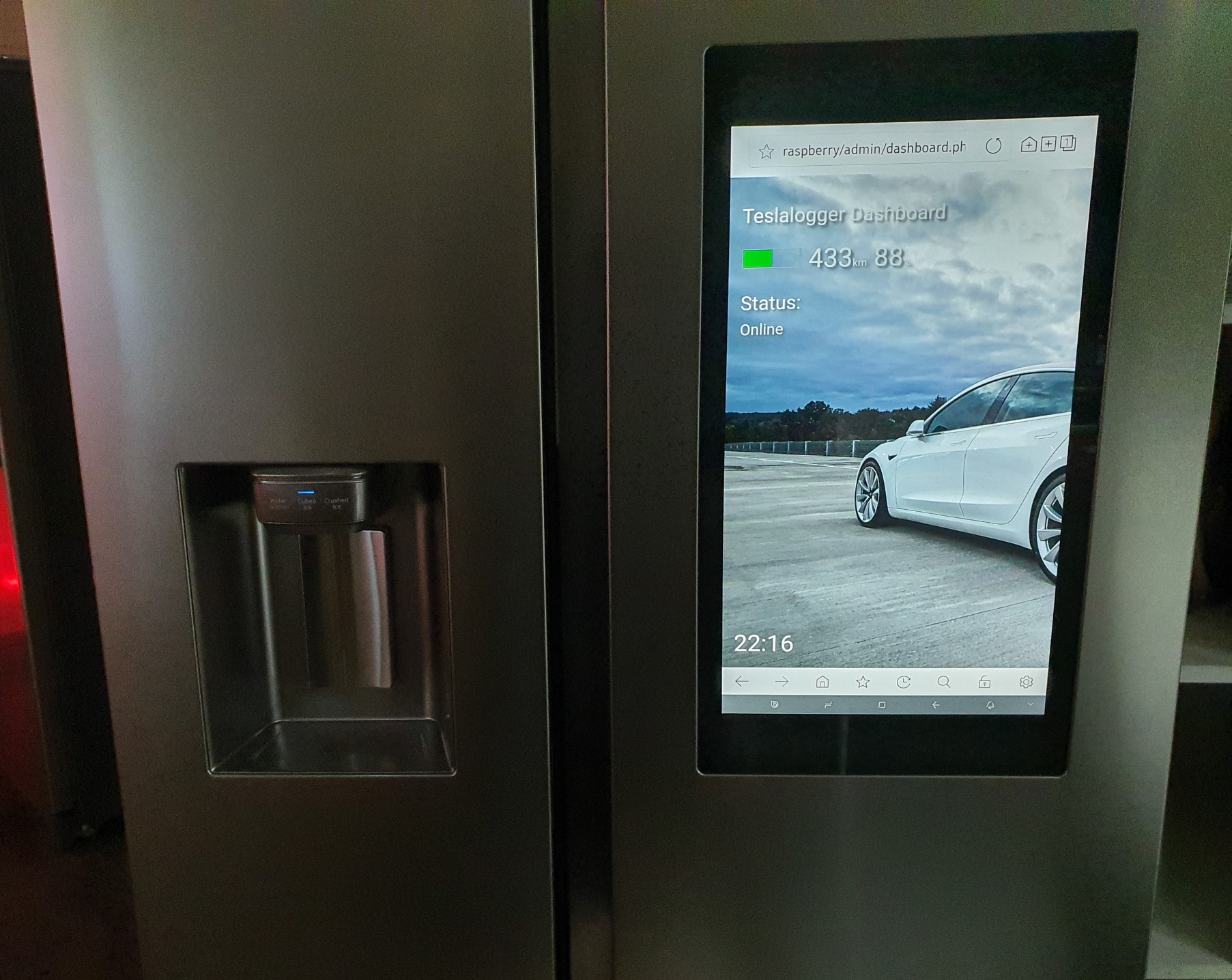
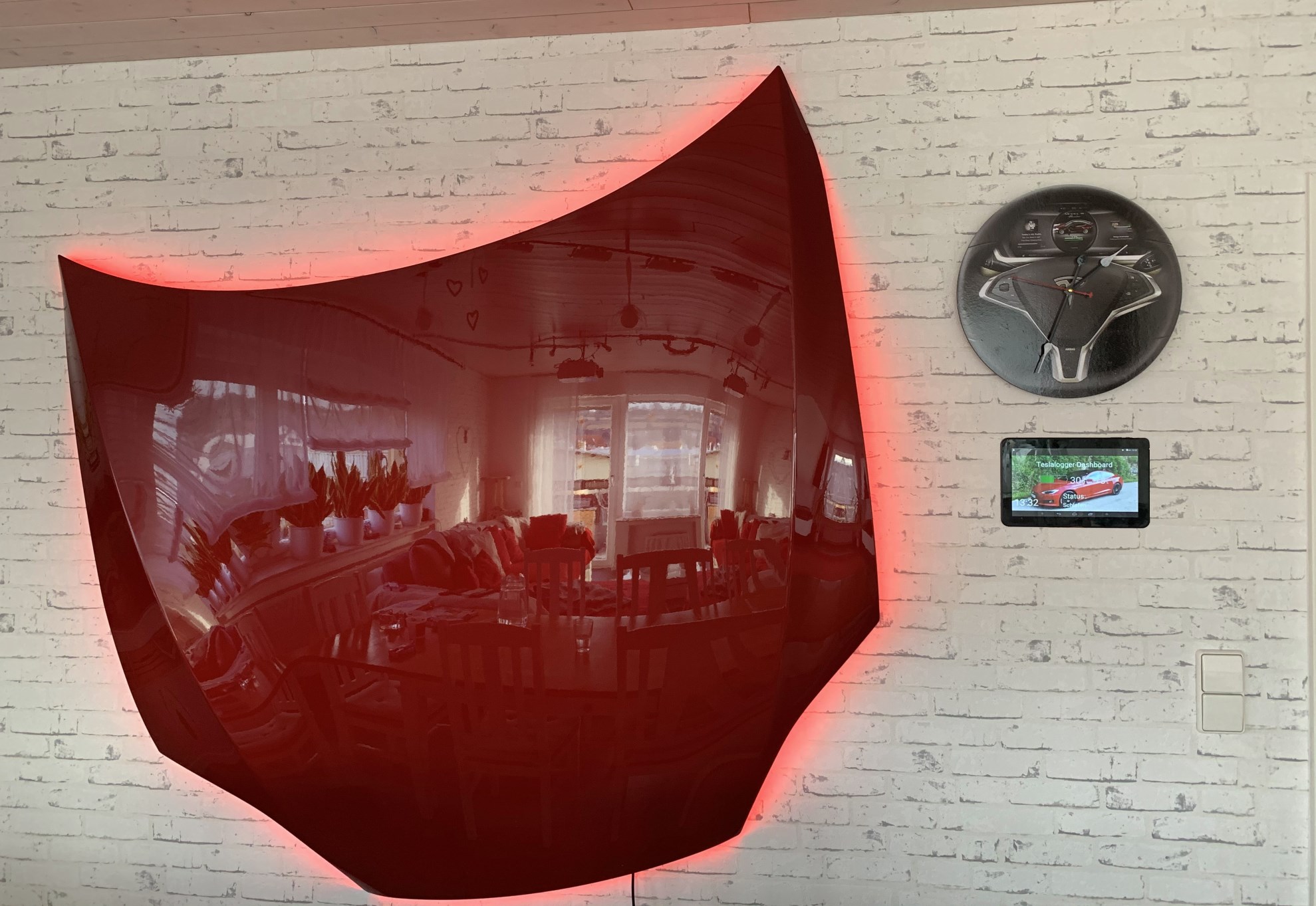
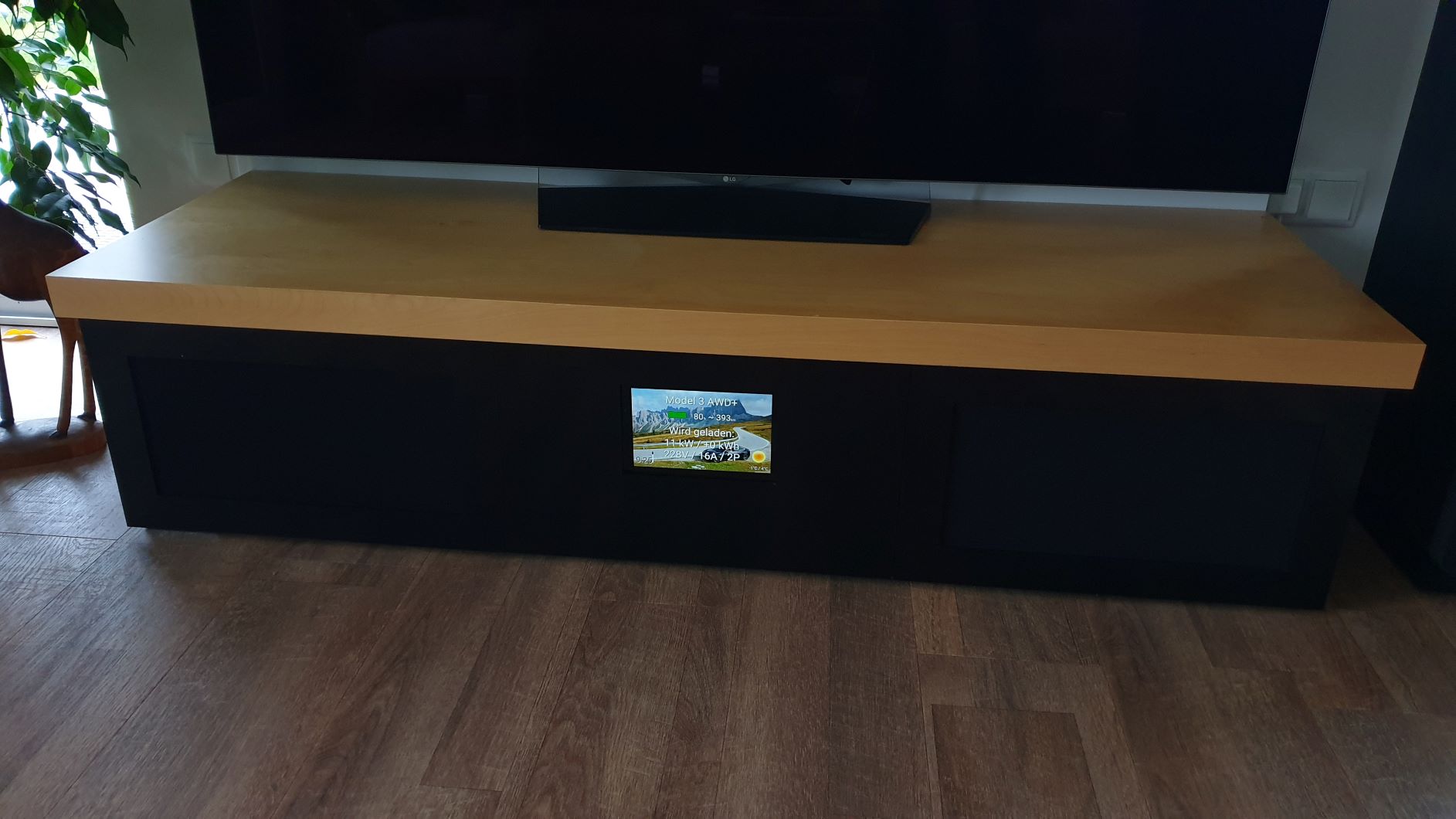
dashboard.md
Rama master · réplica de lectura del repositorio original.
# Dashboard
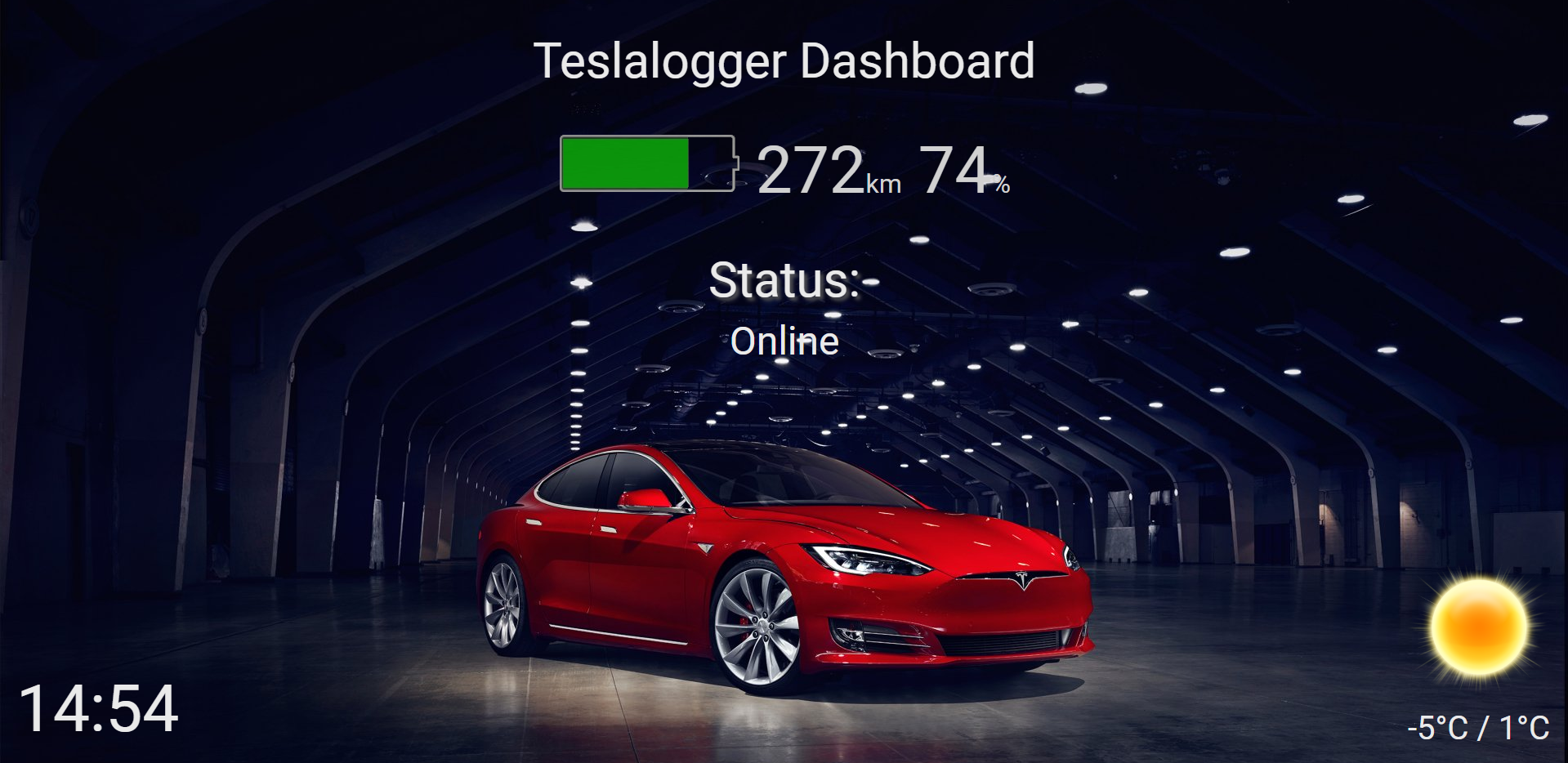
The dashboard can be accessed by: http://raspberry/admin/dashboard.php
Place your favorite image in \\RASPBERRY\teslalogger-web\admin\wallpapers\1 for docker installation the images goes to: /TeslaLogger/www/admin/wallpapers/1
# Customizing
You can customize it by creating an own CSS file under \\RASPBERRY\teslalogger-web\admin\my_dashboard.css
## Examples:
### Hide the clock:
```
#clock { display: none; }
```
### Hide the typical range:
```
#ideal_battery_range_km { display: none; }
#km { display: none; }
```
### Hide battery level:
```
#battery_level { display: none; }
#percent { display: none; }
```
### Car name instead of "Teslalogger Dashboard"
```
#teslalogger {display: none;}
#display_name {display: inline;}
```
### Openweathermap Widget
Get yourself a free openweathermap api key: https://openweathermap.org/
Enter city and appid under: \\\raspberry\teslalogger\weather.ini
# Custom Dashboards