
llm-proxy-frontend
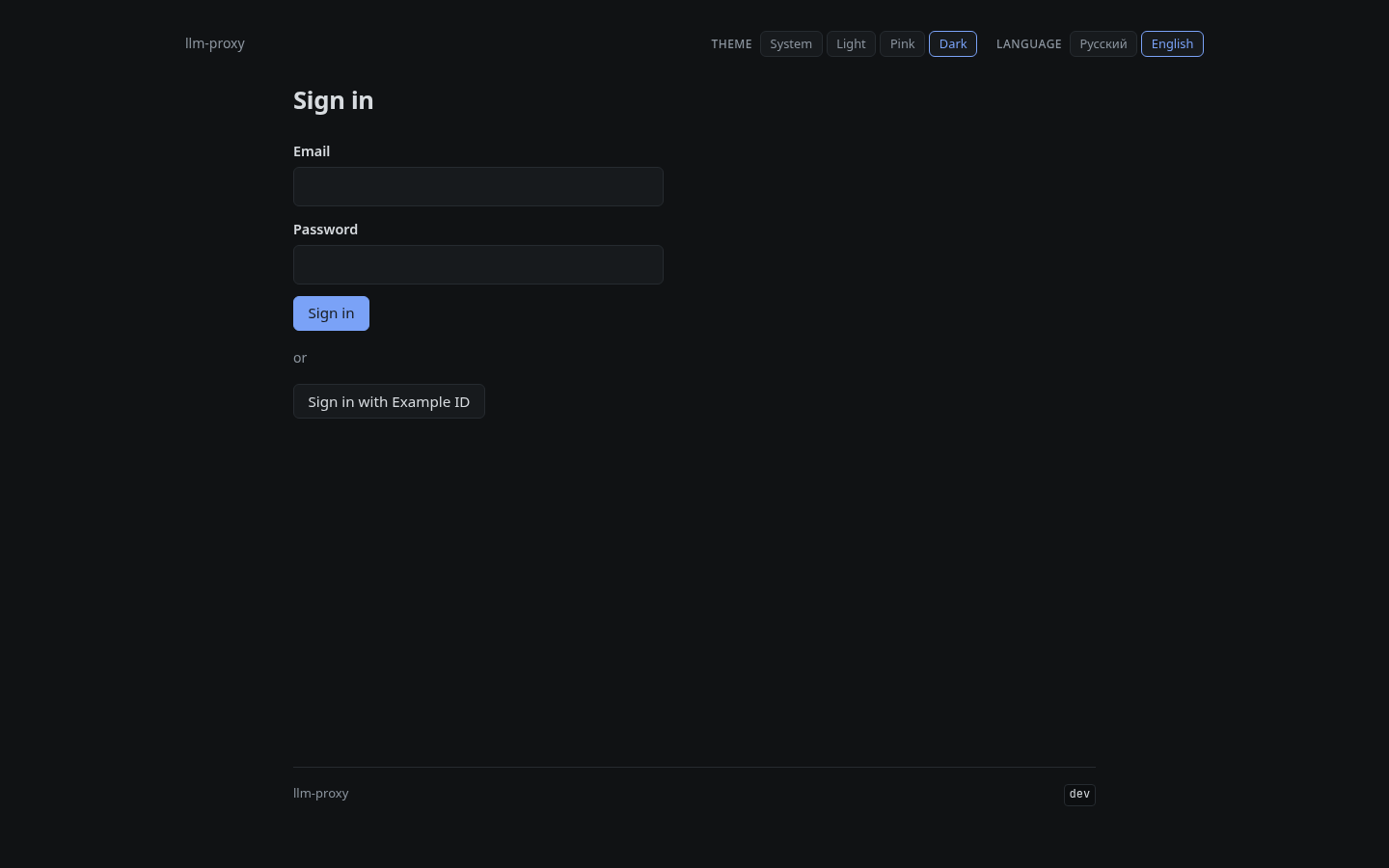
llm-proxy frontend is a web interface for llm-proxy, providing user management, API key issuance/revocation, and admin panel with access rules per model.
Ficha actualizada 23 sept 2026, 12:05 · upstream 23 sept 2026, 11:57 · release sin release detectada
Qué es llm-proxy-frontend
Descripción editorial construida a partir del repositorio, su documentación y sus señales de mantenimiento.
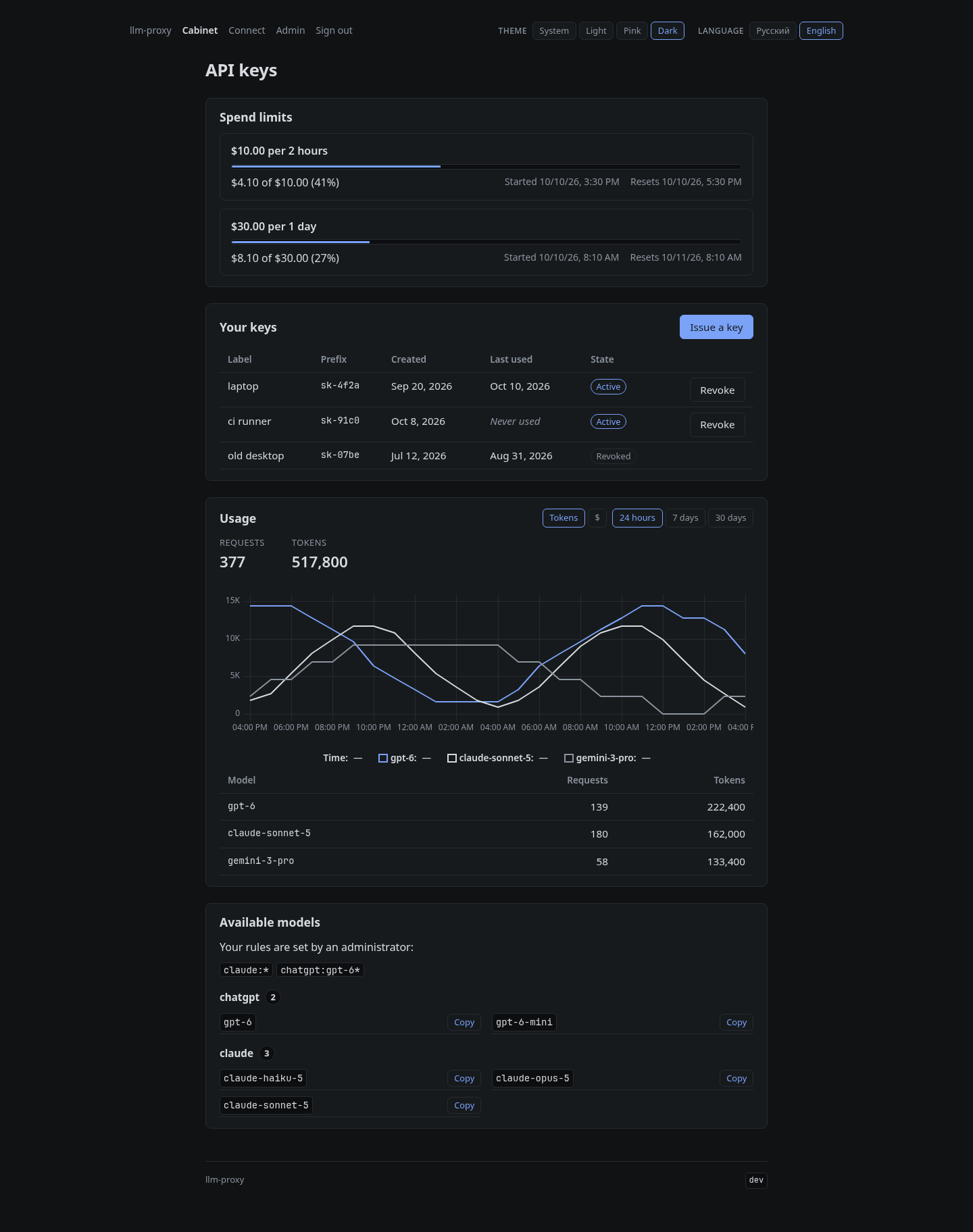
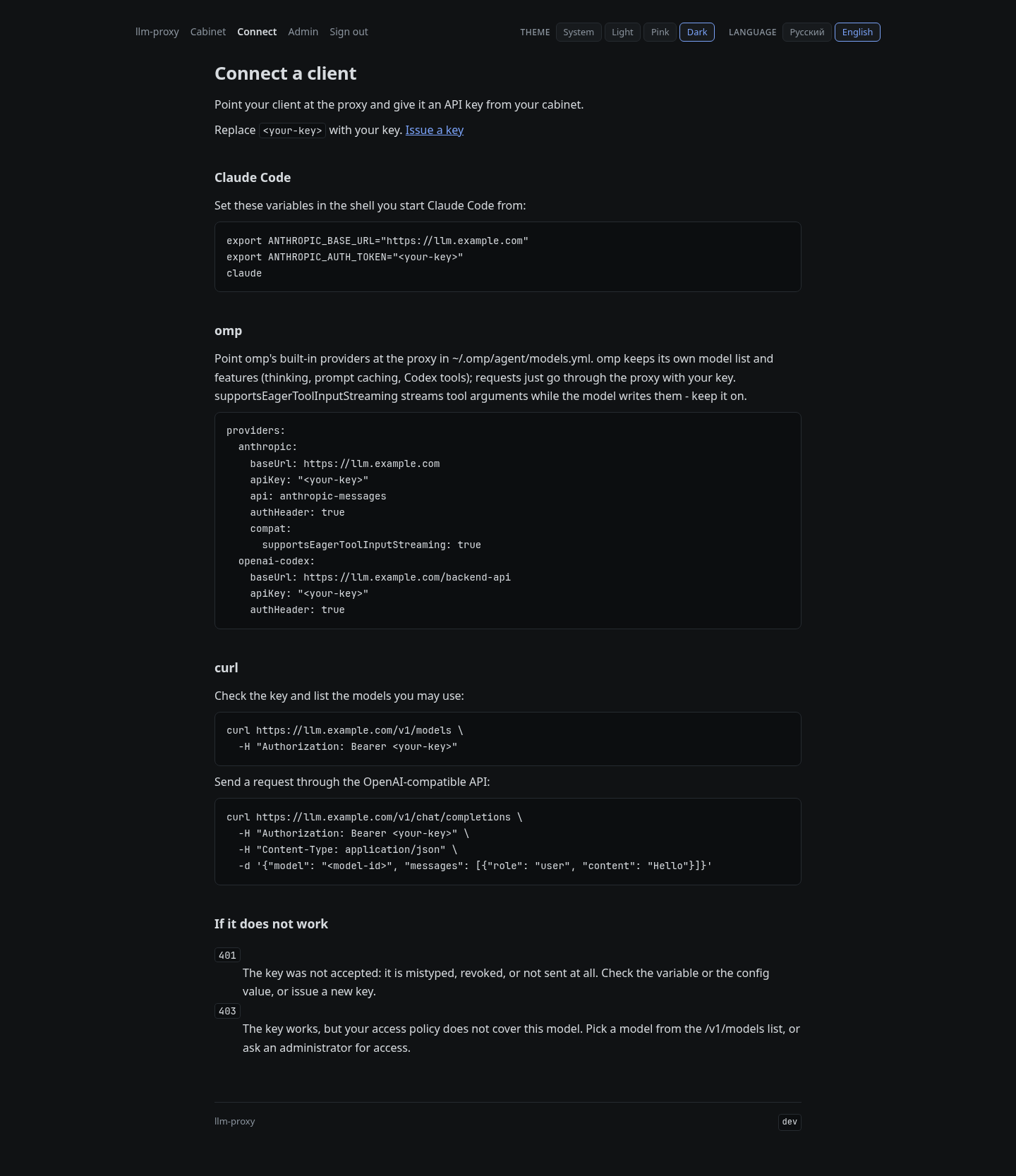
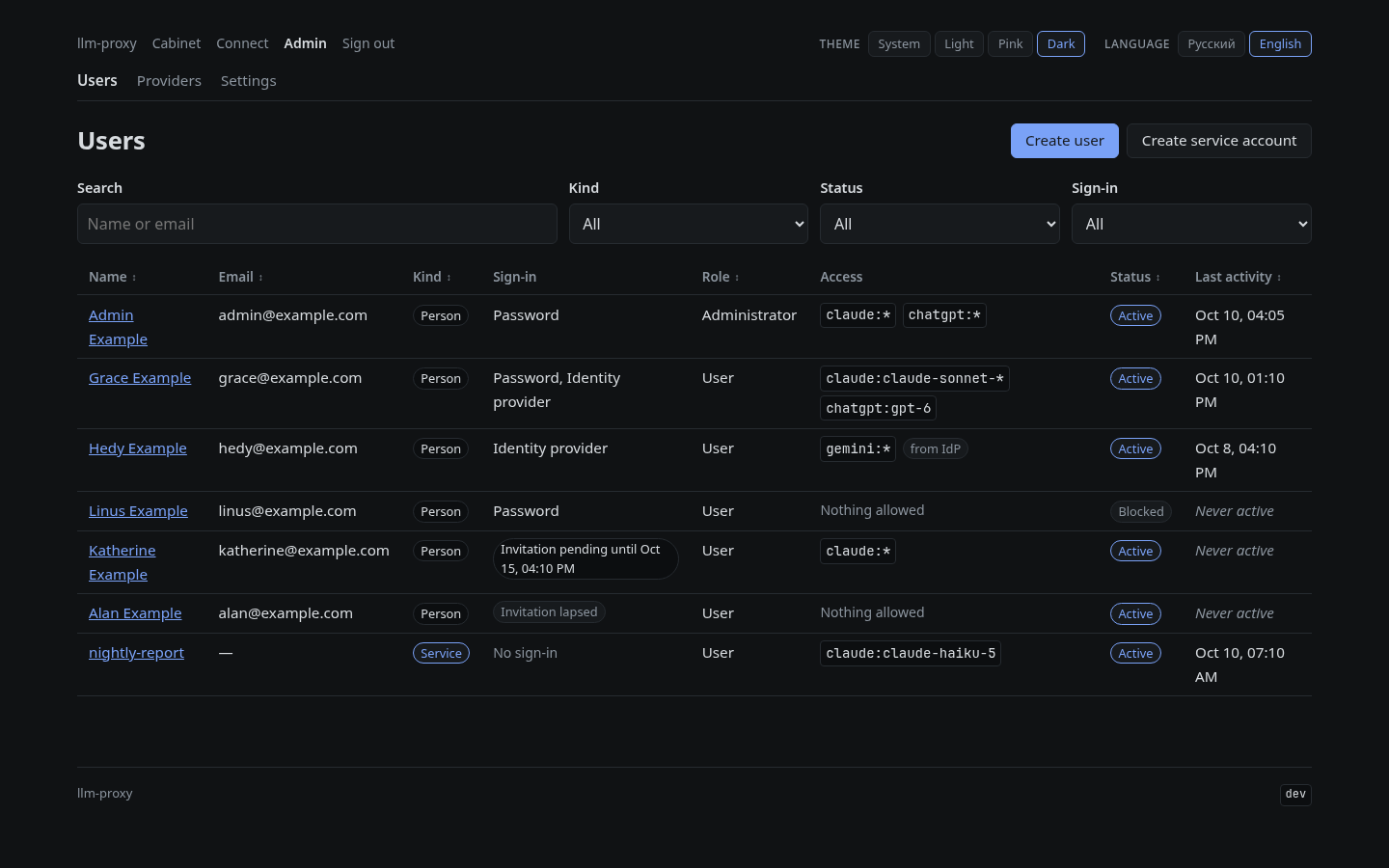
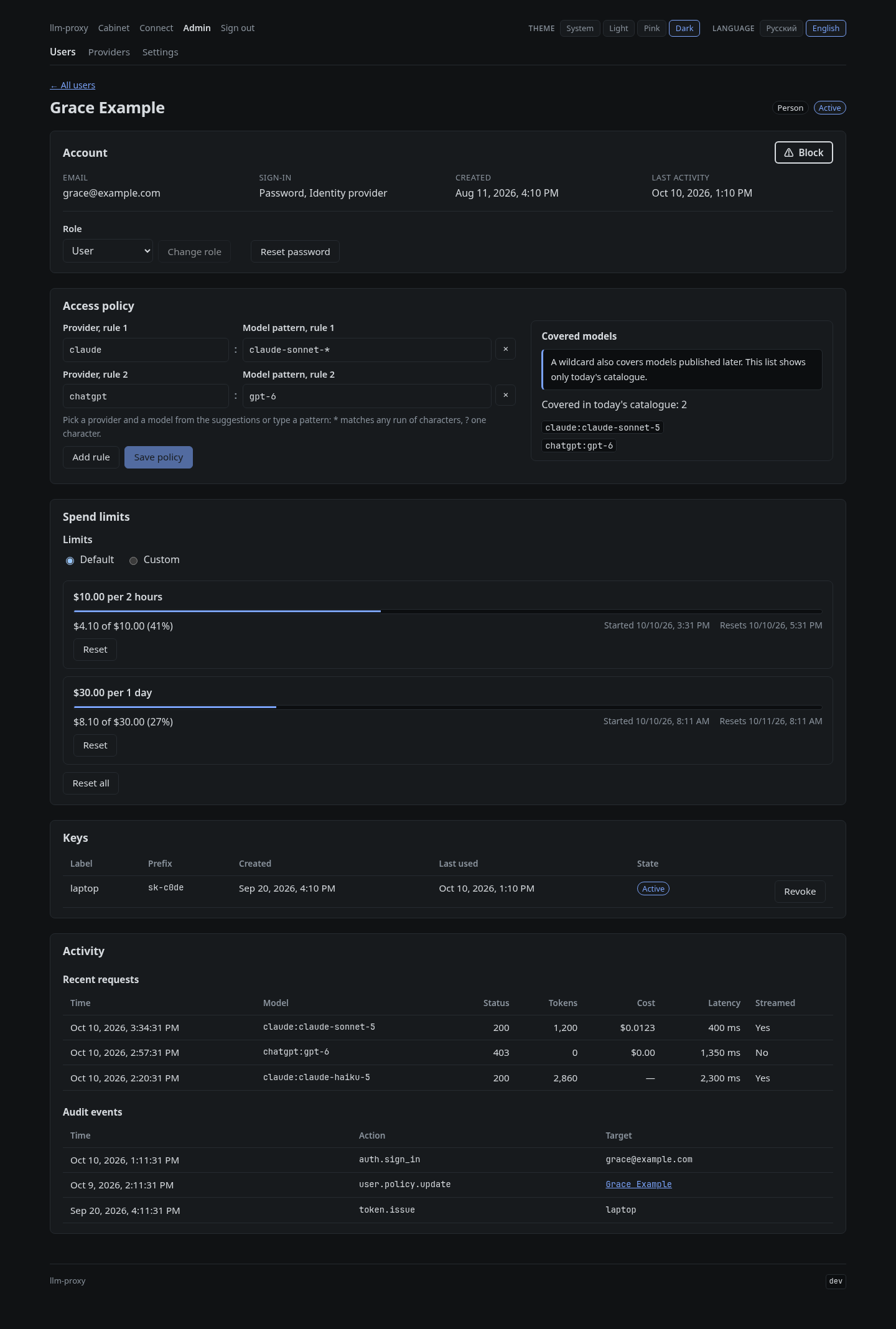
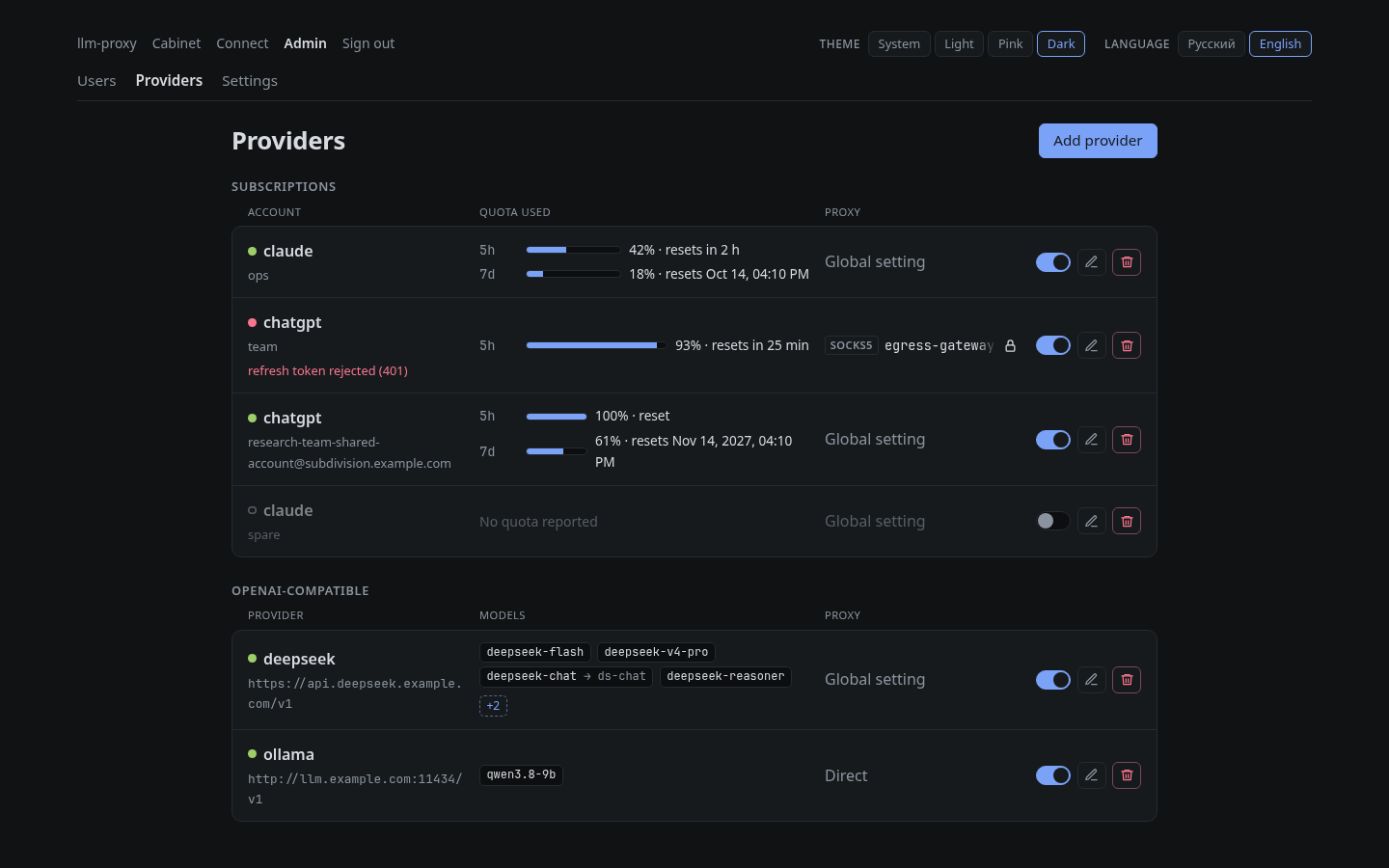
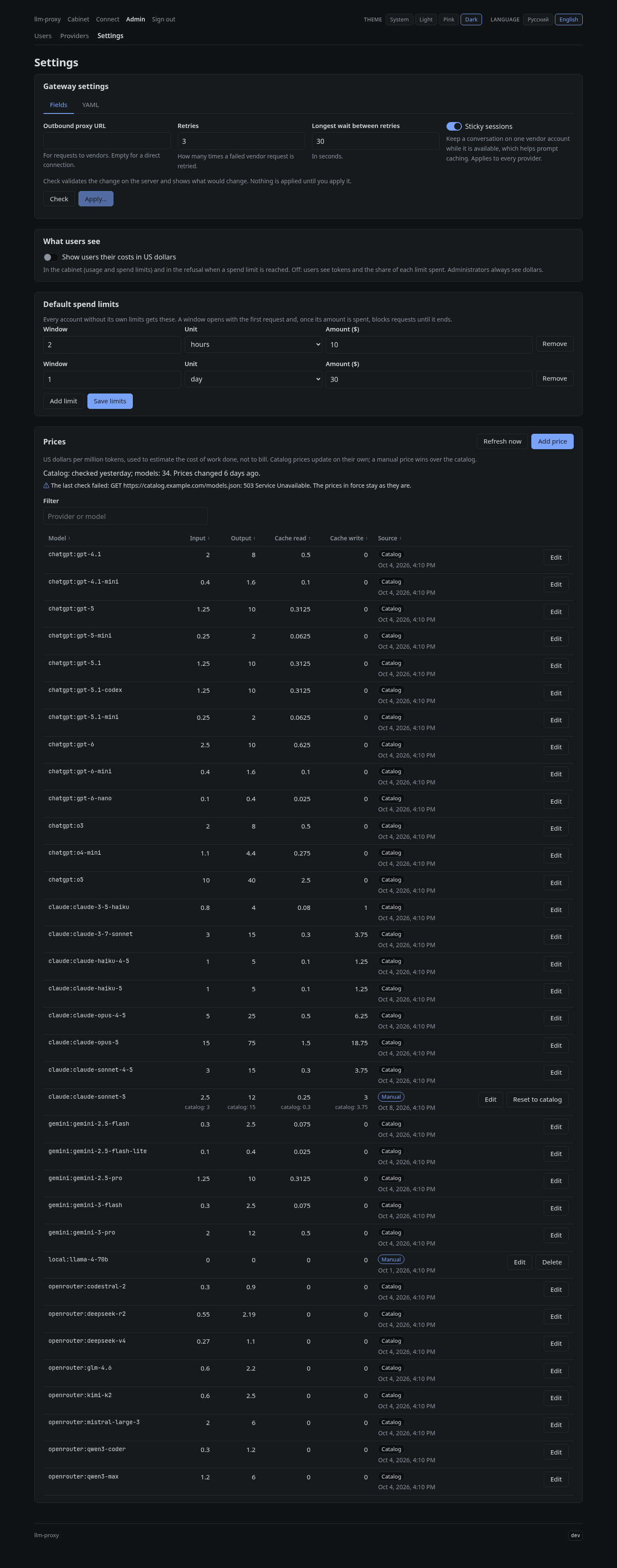
This project provides the web interface for llm-proxy, a self-hosted gateway that allows teams to share Claude and ChatGPT subscriptions through personal API keys. The frontend offers a cabinet where users can issue and revoke their own API keys, view usage statistics over different timeframes (24h, 7 days, 30 days), see cost breakdowns including input/output costs, cache savings, and available models. It also includes a connect page with ready-to-use configurations for Claude Code, OMP, and curl-based OpenAI-compatible APIs. An admin panel allows administrators to manage users, service accounts, access rules (provider:model patterns), view user keys and audit logs, manage vendor accounts with browser sign-in wizards, configure gateway settings including outbound proxy and retry behavior, maintain a price list synchronized from an external model catalog, and choose between English and Russian interfaces with four visual themes. The application uses Next.js for the web interface built on React.
- Teams share Claude or ChatGPT subscriptions by issuing personal API keys through a centralized web interface
- Users manage their own API key issuance, revocation, and usage tracking without touching backend configuration files
- Administrators define access rules per model (e.g., 'chatgpt:*' for all chat models) to control which users can use which services
- Teams monitor cost breakdowns including input tokens, output tokens, cache reads, cache writes, and prompt cache savings
- Users view their own usage history with costs over selected timeframes (24h, 7 days, 30 days)
- Administrators manage vendor accounts for multiple LLM providers through a browser-based sign-in wizard
- Teams configure gateway settings including outbound proxy and retry behavior directly in the admin panel without restarting services
- Provides a complete web interface with cabinet, connect, and admin panels for managing API keys and access rules
- Supports multiple LLM providers (Claude Code, OMP, curl-based OpenAI-compatible APIs) through ready-to-use configurations
- Offers granular cost tracking including input/output costs, cache savings, and per-model pricing
- Includes a browser sign-in wizard for vendor accounts with quota management and reset notifications
- Supports multiple languages (English and Russian) with four visual themes: system, light, pink, dark
- Uses Next.js framework with React components and TypeScript throughout the application
- The frontend is not designed to run independently; it requires a running backend service at http://backend:8081
- API key revocation functionality may be limited by backend implementation constraints
- Cache savings metrics are estimated and do not guarantee actual cost reduction in production environments
- Vendor sign-in wizard is browser-based only, requiring users to re-enter credentials on each login page
Capturas del proyecto
Imágenes reales detectadas en la documentación del repositorio.

Perfil de infraestructura
Estimación inicial derivada del repositorio y de los servicios detectados.
Despliegue detectado
Qué señales reales de instalación hemos encontrado.
Deploy the frontend image (yoonaowo/llm-proxy-frontend) alongside the backend image (yoonaowo/llm-proxy-backend). The frontend runs on port 8081 and proxies /api requests to the backend's web listener. Use environment variables VITE_BACKEND_ORIGIN=http://backend:8081 to configure the backend URL. For production, use Docker Compose with separate volumes for data persistence, mount nginx config files from the backend repository, and ensure proper SSL termination at the edge layer. The image includes a Content Security Policy header without 'unsafe-inline' and serves static assets under /assets/ with hashed filenames for immutable caching.
Stack y dependencias
Componentes inferidos a partir de manifests, configuración y documentación.
Experiencia real de la comunidad
Ayuda a contrastar la estimación automática con instalaciones reales.
Todavía no hay datos comunitarios para este proyecto.