
cloud-in-buzunar
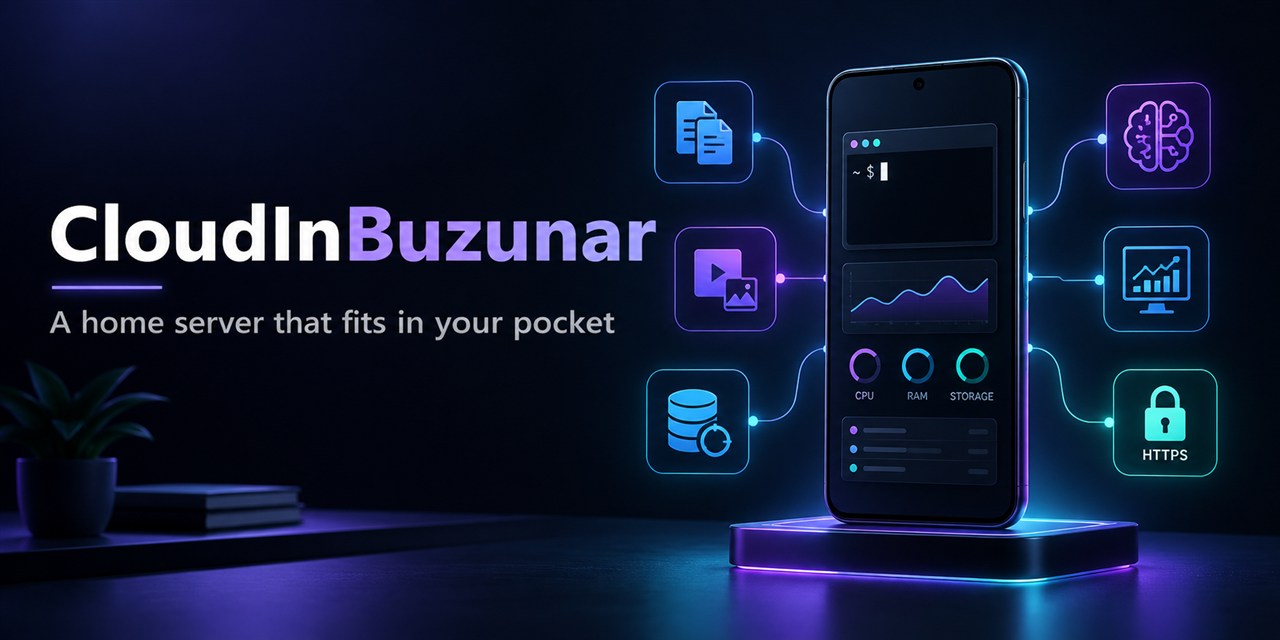
Self-hosted personal cloud server with media library, download manager, local AI chat, file vaulting, and Android companion for monitoring on Termux.
Ficha actualizada 23 sept 2026, 13:05 · upstream 23 sept 2026, 13:01 · release v1.0.11
Qué es cloud-in-buzunar
Descripción editorial construida a partir del repositorio, su documentación y sus señales de mantenimiento.
CloudInBuzunar is a self-hosted home-server project built around a rooted Samsung Galaxy A70 running Termux. It started as a practical experiment to determine how much useful infrastructure could run reliably on an older phone without depending on public cloud providers.
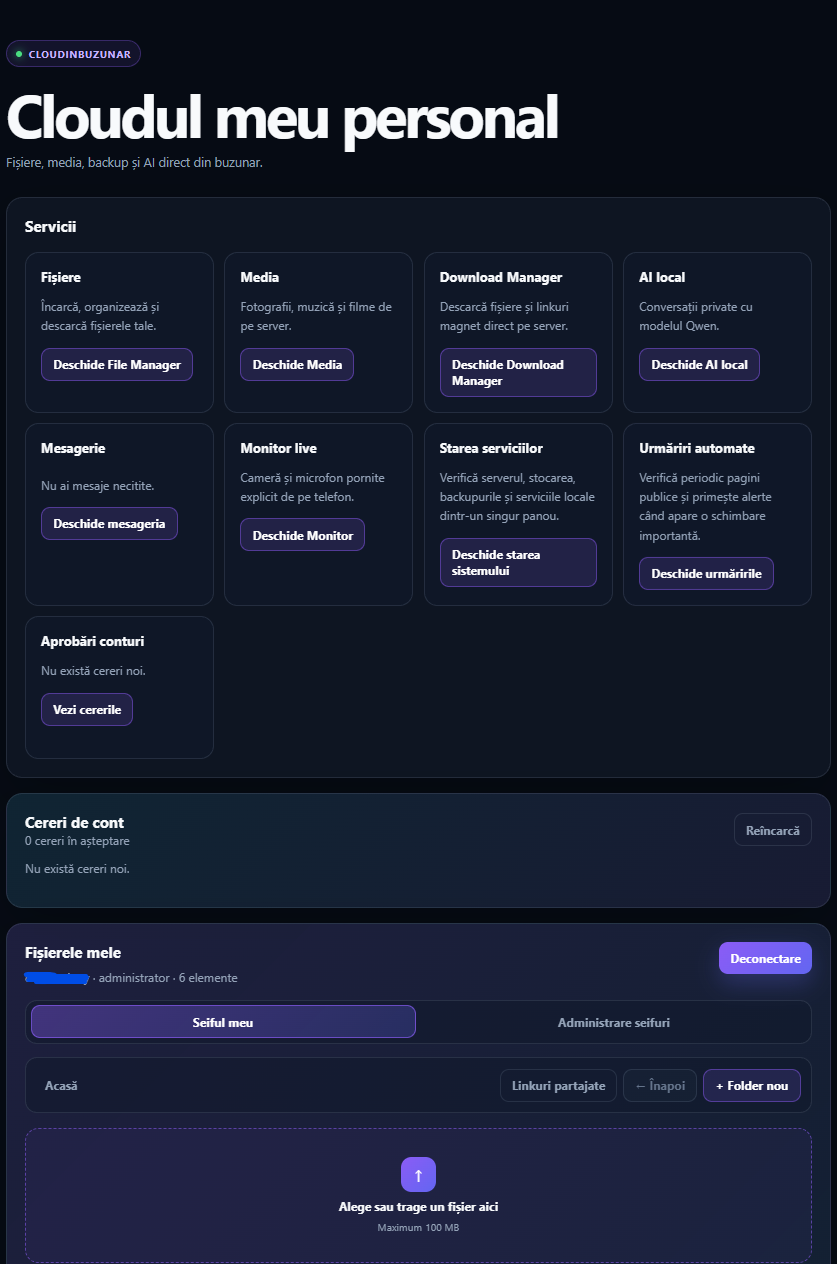
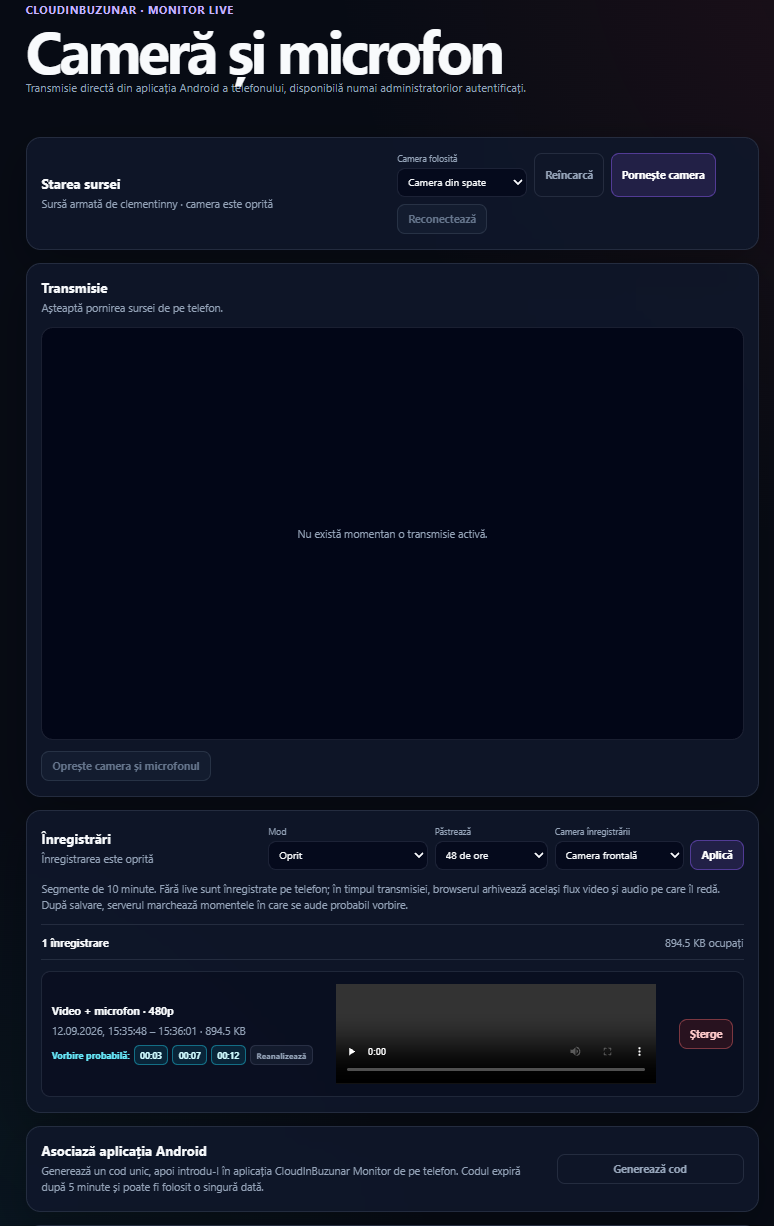
The result is a responsive Flask application that serves as a personal file repository, media server, download manager, private messaging system, local AI assistant, and system administration tool. A companion Android application provides live camera monitoring, audio recording, and independent server alerts with WebRTC video streaming.
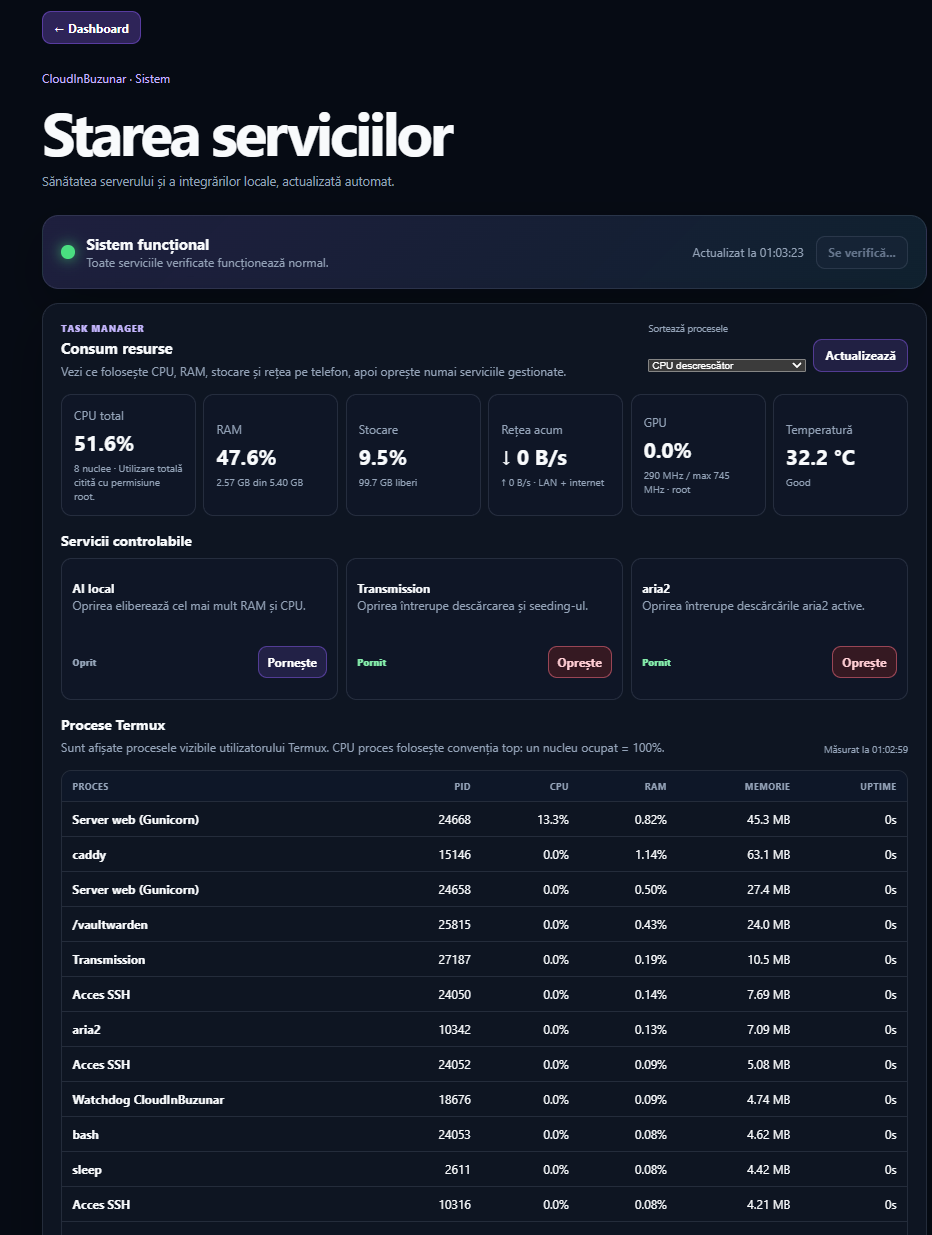
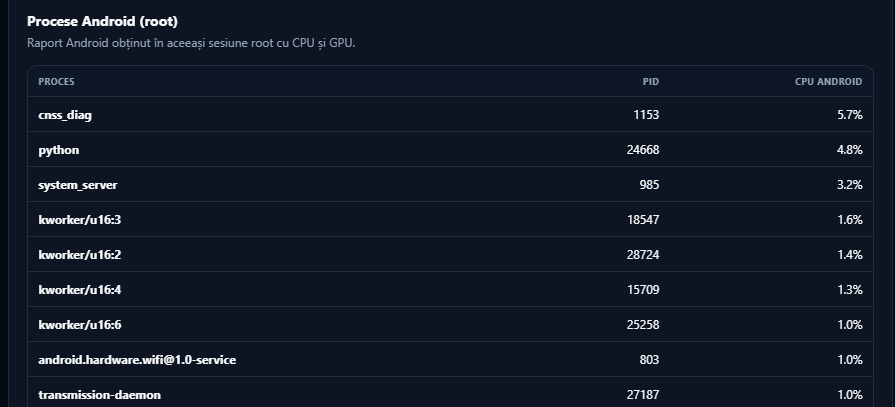
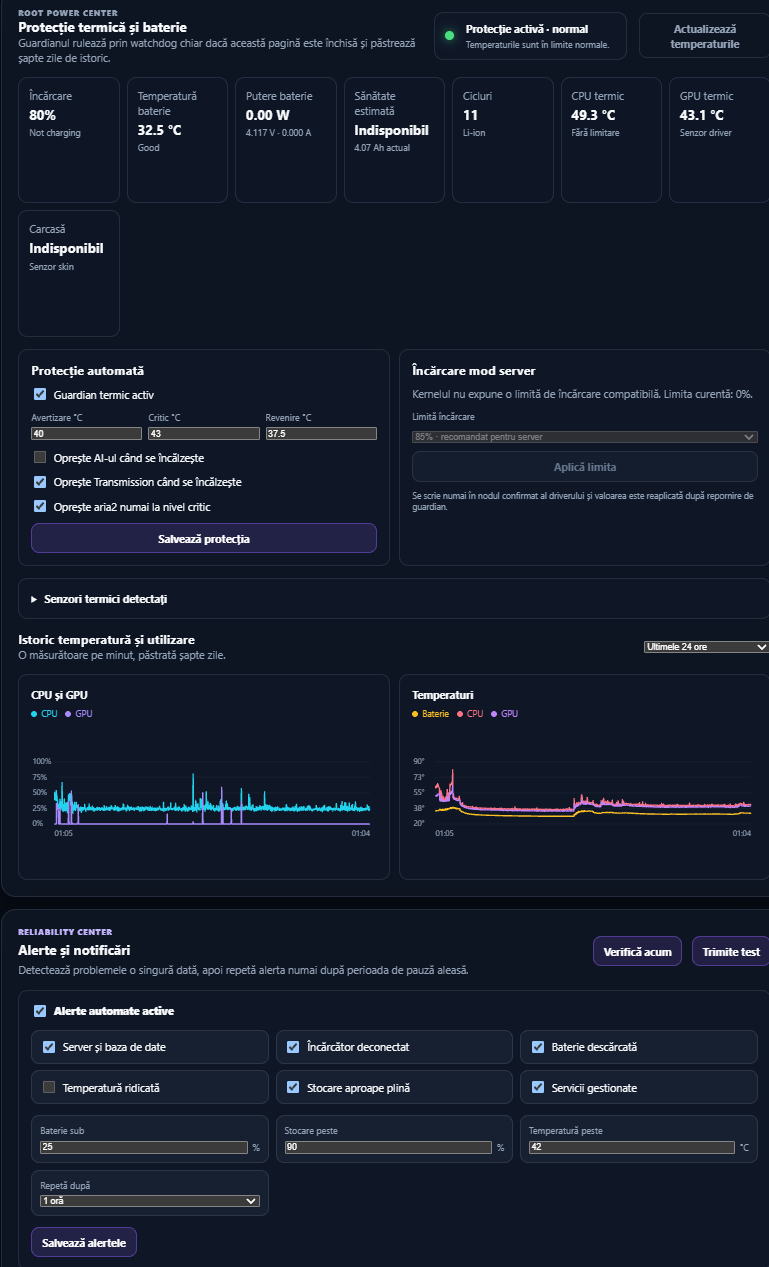
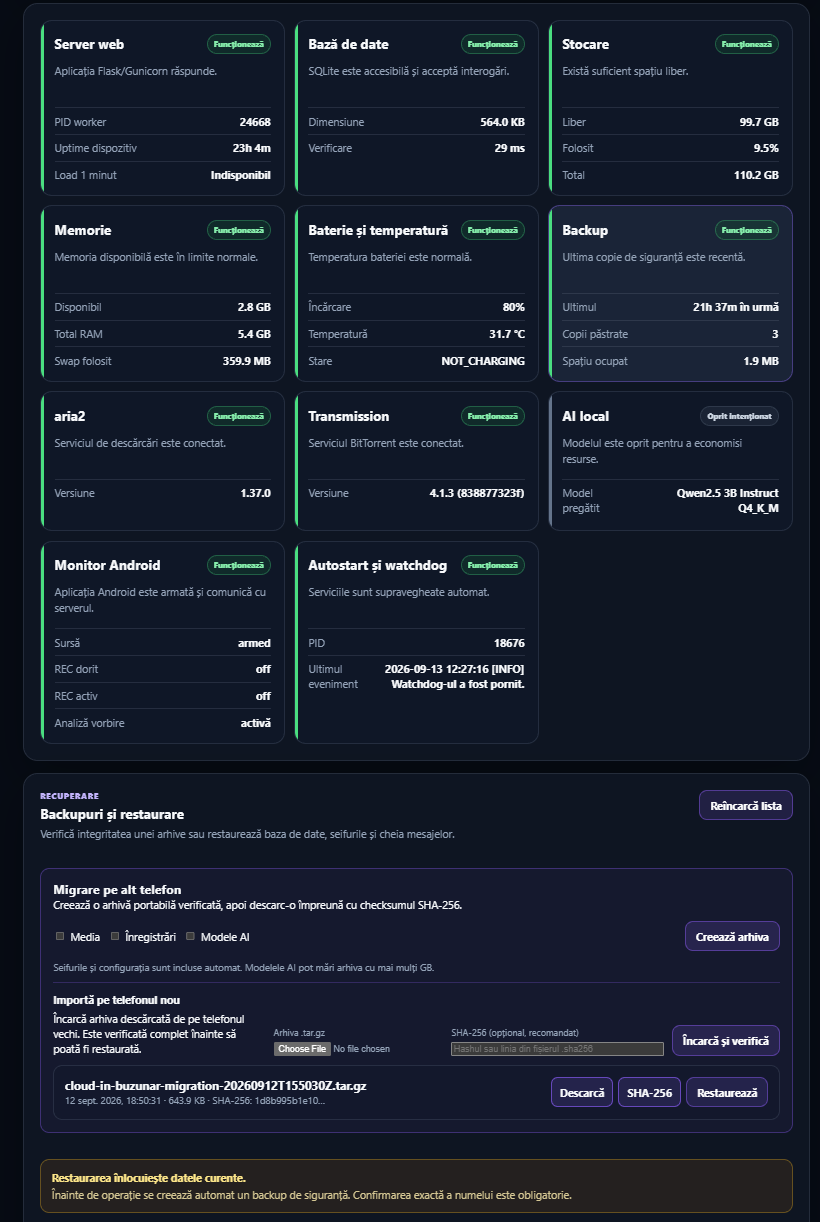
Key features include multi-user authentication with role-based access control, encrypted-at-rest message storage, resumable file uploads, aria2 and Transmission download management, Qwen2.5 local inference via llama.cpp, automatic backups with checksum verification, comprehensive resource monitoring (CPU, RAM, GPU, battery), root-aware process reporting, HTTPS through Caddy reverse proxy, optional VPN access, and a thermal guardian that suspends heavy services when the device overheats.
The architecture separates application code from data storage, keeping source in Git while databases, secrets, uploads, models, recordings, and backups remain under ~/cloud-in-buzunar-data. The project uses Python 3 with Flask, Gunicorn, SQLite, Caddy for reverse proxy, llama.cpp for AI inference, aria2 and Transmission for downloading, Java for the Android companion, and GitHub Actions for automated testing.
- Store personal documents, photos, and media files locally on a home device
- Manage downloads using aria2 or Transmission with automatic resume
- Chat with local AI models (e.g., Qwen) without internet dependency
- Securely store private messages between users via encrypted-at-rest storage
- Monitor system resources, battery health, and thermal performance of Android devices
- Control media playback from a web interface or companion app
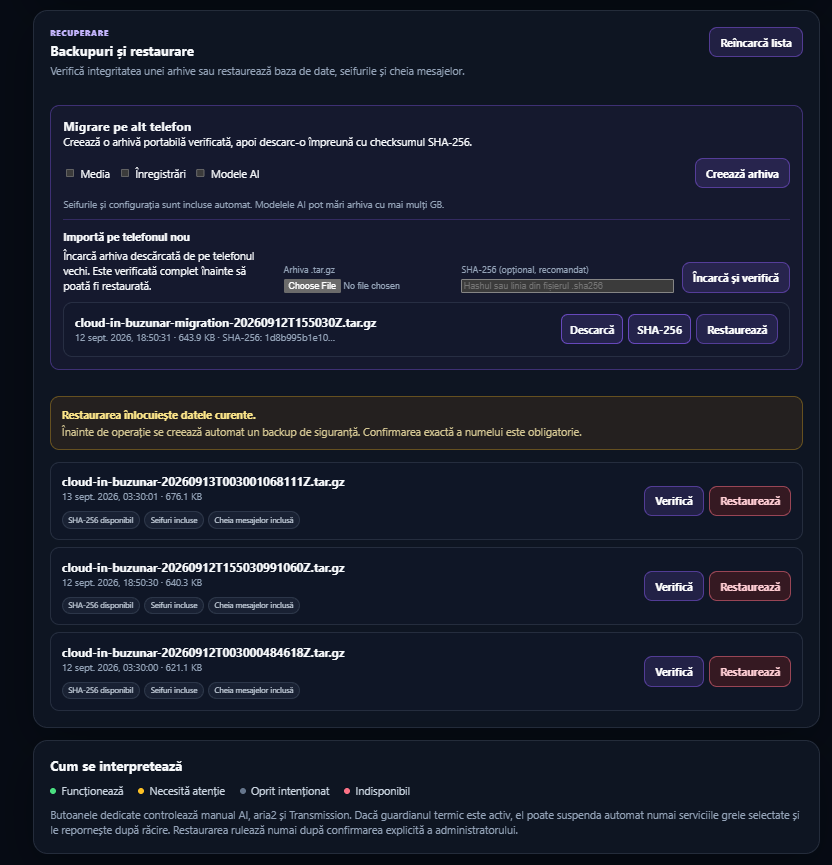
- Set up automated backups with checksum verification to prevent data loss
- Supports local AI inference via llama.cpp with quantized Qwen2.5 models, running entirely offline on Android
- Provides comprehensive system monitoring including CPU usage, GPU temperature, battery health, and process activity across Termux and Android
- Features a thermal guardian that suspends heavy services when the device overheats to protect hardware longevity
- Supports encrypted-at-rest messaging with role-based access control for multi-user environments
- Includes resumable file uploads and automatic migration archives with checksum verification for data integrity
- Requires a rooted Samsung Galaxy A70 or similar Android device running Termux for full functionality
- Local AI inference is not enabled by default and can be disabled to reduce resource usage
- The companion app requires manual pairing with the server via QR code scanning
- No native mobile payment support; file transfers must use aria2 or Transmission
- Storage capacity is limited by the phone's internal memory (e.g., 8GB RAM, 10GB storage)
- HTTPS through Caddy does not provide end-to-end encryption for client connections
Capturas del proyecto
Imágenes reales detectadas en la documentación del repositorio.
Perfil de infraestructura
Estimación inicial derivada del repositorio y de los servicios detectados.
Despliegue detectado
Qué señales reales de instalación hemos encontrado.
Install on a rooted Android device running Termux. Run `scripts/install-cloud-in-buzunar.sh --admin YOUR_USERNAME` to set up the Python environment, install dependencies, initialize the database, and configure services. For HTTPS, use Caddy with a domain name pointing to your phone's IP address. To enable local AI, run `--with-ai`. Backups rotate automatically; migration archives include checksums for verification before import. The companion app must be paired locally via QR code scan.
Stack y dependencias
Componentes inferidos a partir de manifests, configuración y documentación.
Puede sustituir a
Relaciones detectadas por el análisis del repositorio y su categoría.
Experiencia real de la comunidad
Ayuda a contrastar la estimación automática con instalaciones reales.
Todavía no hay datos comunitarios para este proyecto.