examples/solid-js/README.md
Rama main · réplica de lectura del repositorio original.
# Builder.io example with Solid
See [App.jsx](./src/App.jsx) for usage
## Try it out
1. Install dependencies
```bash
npm install # or pnpm install or yarn install
```
2. Run the dev server
```bash
npm run dev
```
3. Create an account with [Builder.io](https://builder.io/) if you don't already.
4. Log into your account at [builder.io/login](https://builder.io/login)
5. Go to the models page ([https://builder.io/models](https://builder.io/models)) and choose the "page" model and change the "editing url" to `http://localhost:3000` to use your local dev server.
<img width="600" alt="Where to add preview URL" src="https://cdn.builder.io/api/v1/image/assets%2Fbff7106486204af59835fddec84f708f%2F8e700ecfdbf84cb3a93044b3ad68cd3a">
6. Then go to the account page ([https://builder.io/account](https://builder.io/account)) and copy your public API key, and paste it into the `apiKey` variable in the [App.jsx](./src/App.jsx) file.
7. Now, go to the content page ([https://builder.io/content](https://builder.io/content)) and choose "+ new" in the top right and create a new page with URL `/`
You should now be able to use the Builder drag and drop editor in your solidjs app. Be sure to always have the `<Content>` component be present anywhere
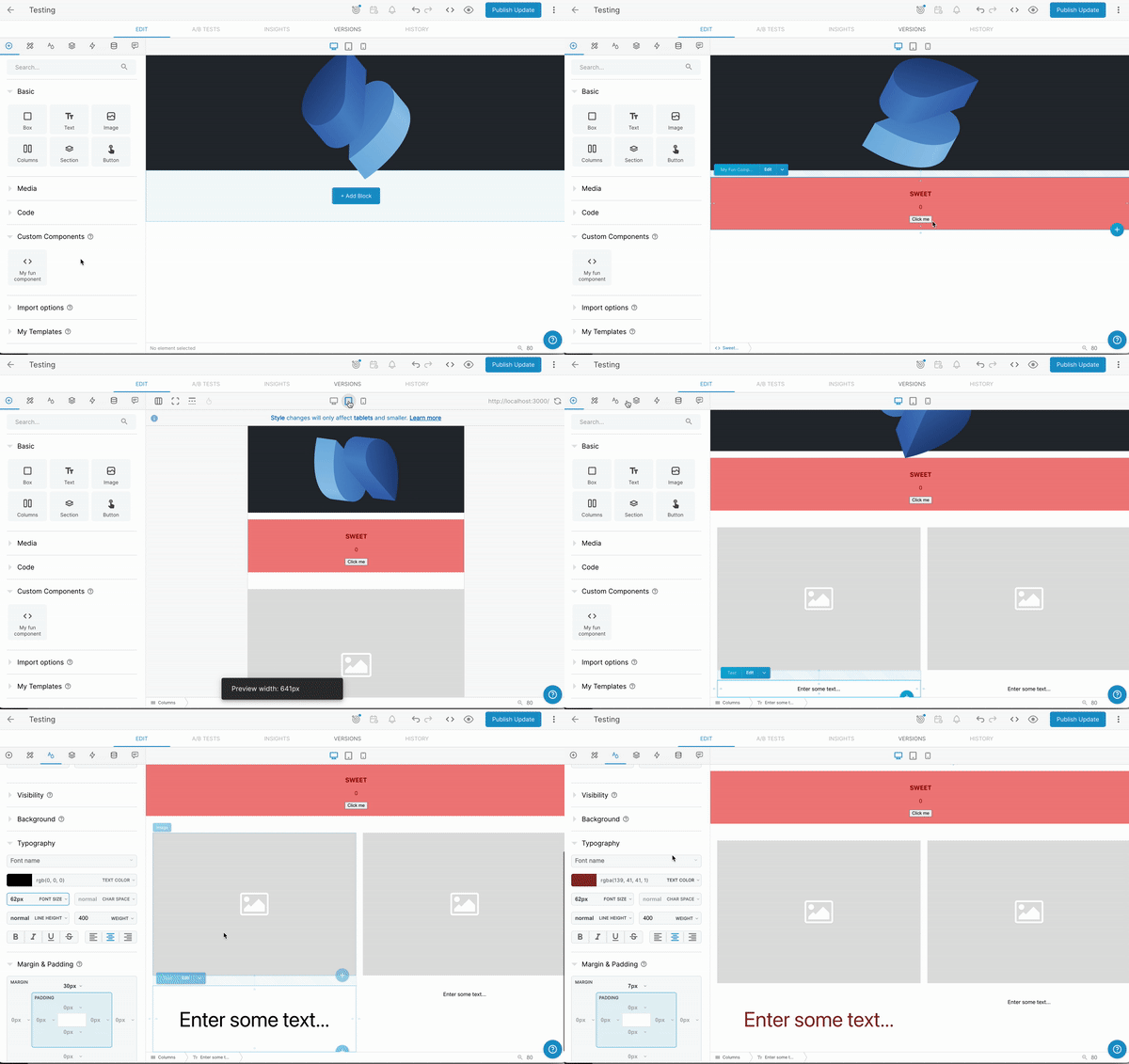
Learn more about [previewing and editing in Builder.io](https://www.builder.io/c/docs/guides/preview-url)
### Learn more on the [Solid Website](https://solidjs.com) and come chat with us on our [Discord](https://discord.com/invite/solidjs)
## Available Scripts
In the project directory, you can run:
### `npm dev` or `npm start`
Runs the app in the development mode.<br>
Open [http://localhost:3000](http://localhost:3000) to view it in the browser.
The page will reload if you make edits.<br>
### `npm run build`
Builds the app for production to the `dist` folder.<br>
It correctly bundles Solid in production mode and optimizes the build for the best performance.
The build is minified and the filenames include the hashes.<br>
Your app is ready to be deployed!
## Deployment
You can deploy the `dist` folder to any static host provider (netlify, surge, now, etc.)